Purchases Invoices Return
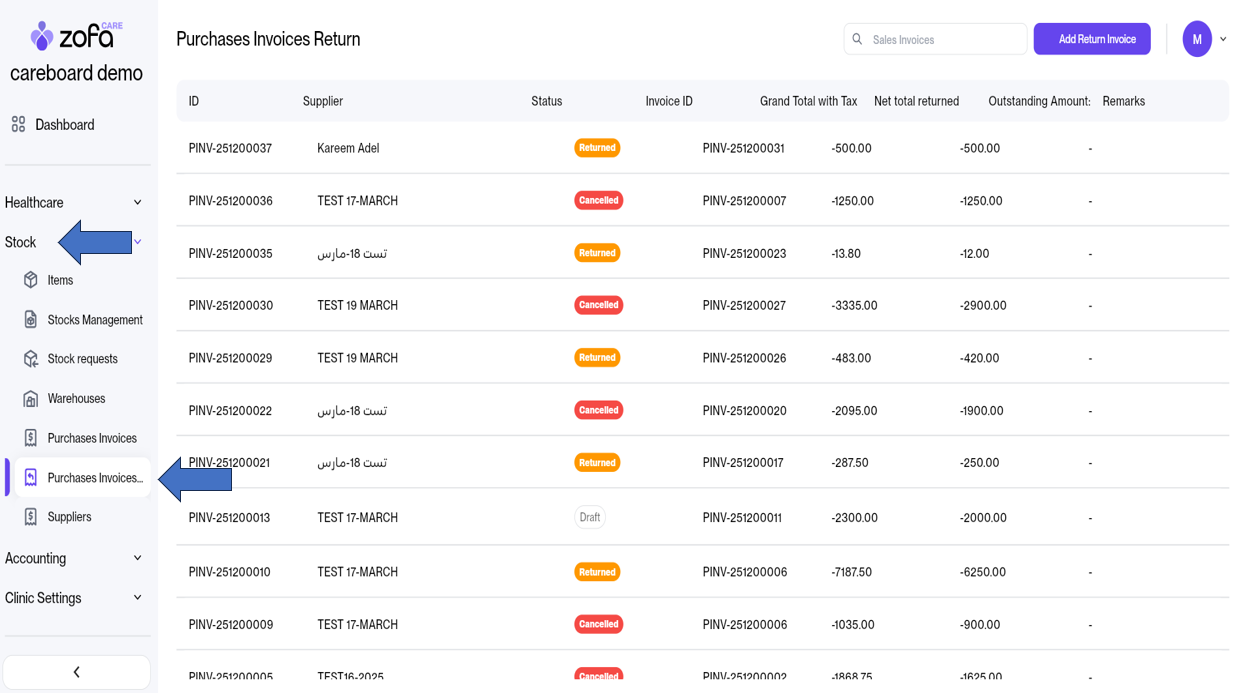
- From the Stock section
- Click on Purchases Invoices Return
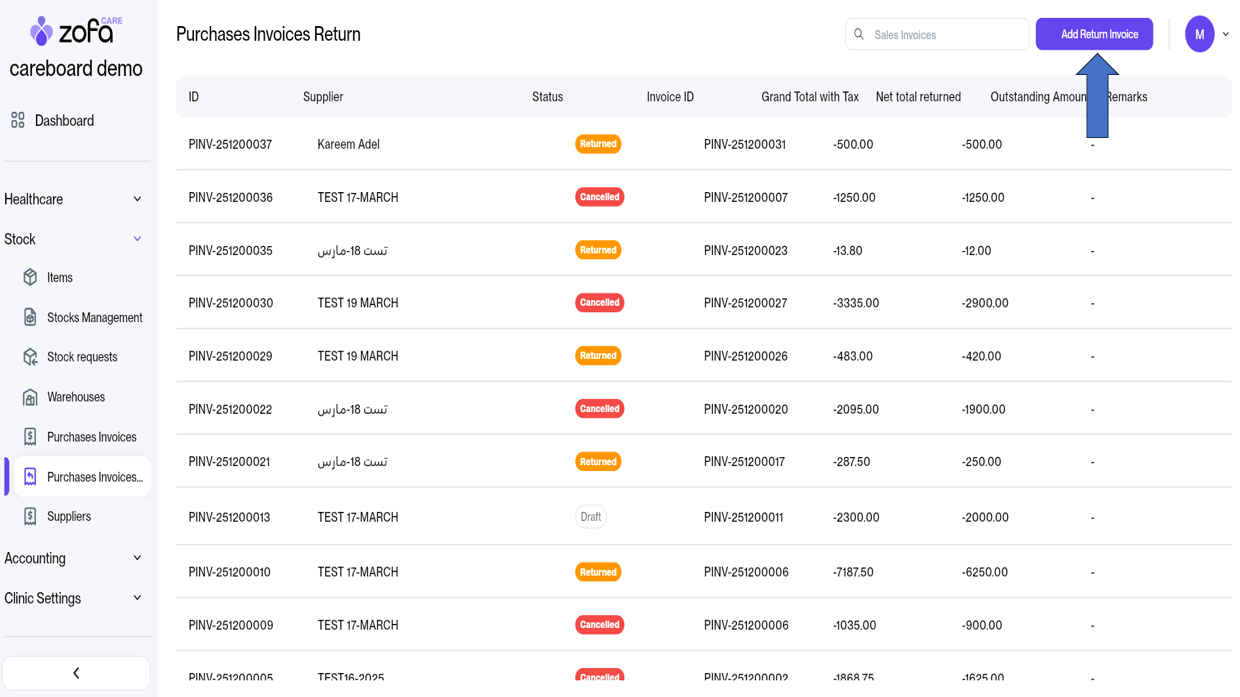
- Click on Add Return Invoice
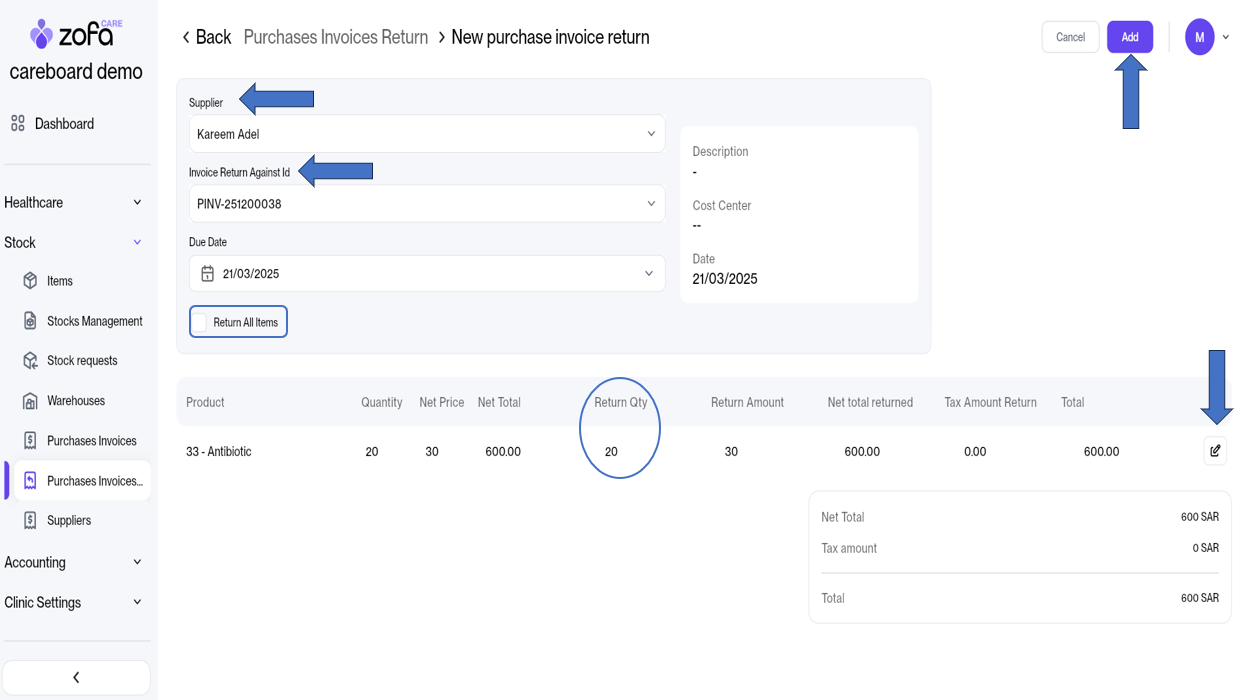
- Select the supplier for whom you want to process a return invoice.
- Choose the purchase invoice to be returned.
- If you want to return all items from this invoice, please select the Return All Items option.
- If you want to return only some items, click on the Edit icon and adjust the return quantity accordingly.
- Finally, click Add.
- The purchase return invoice is now in Draft status.
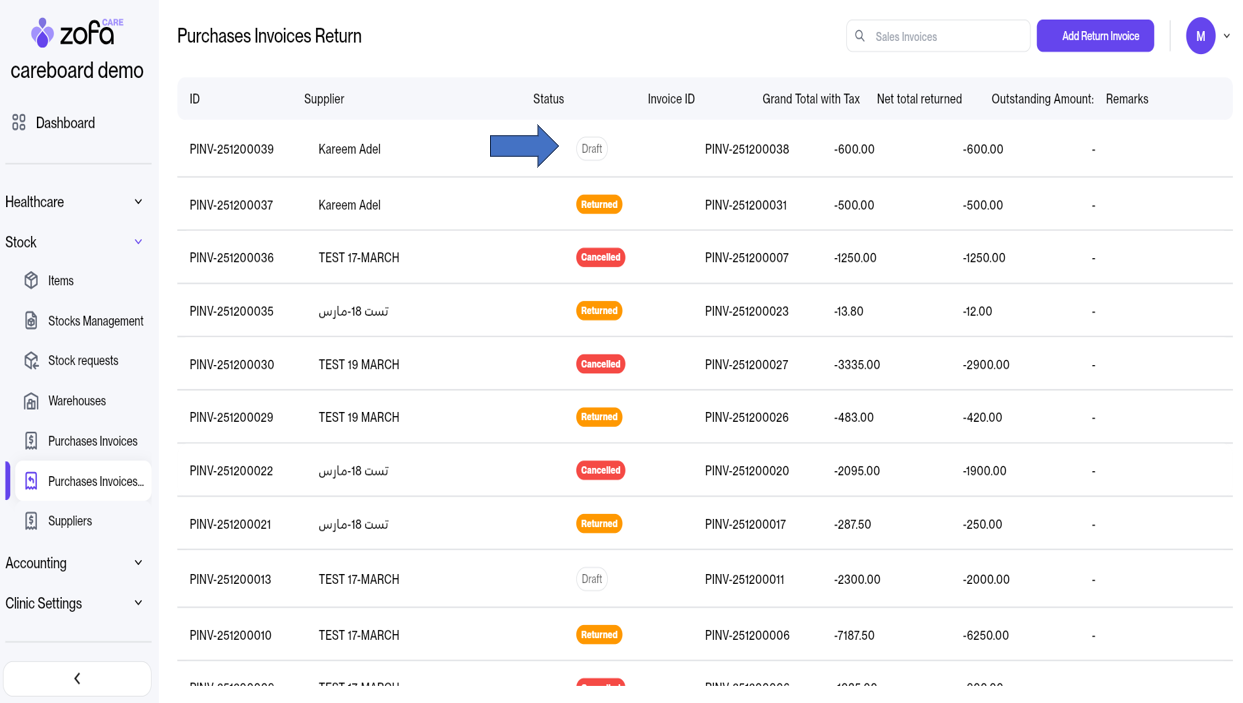
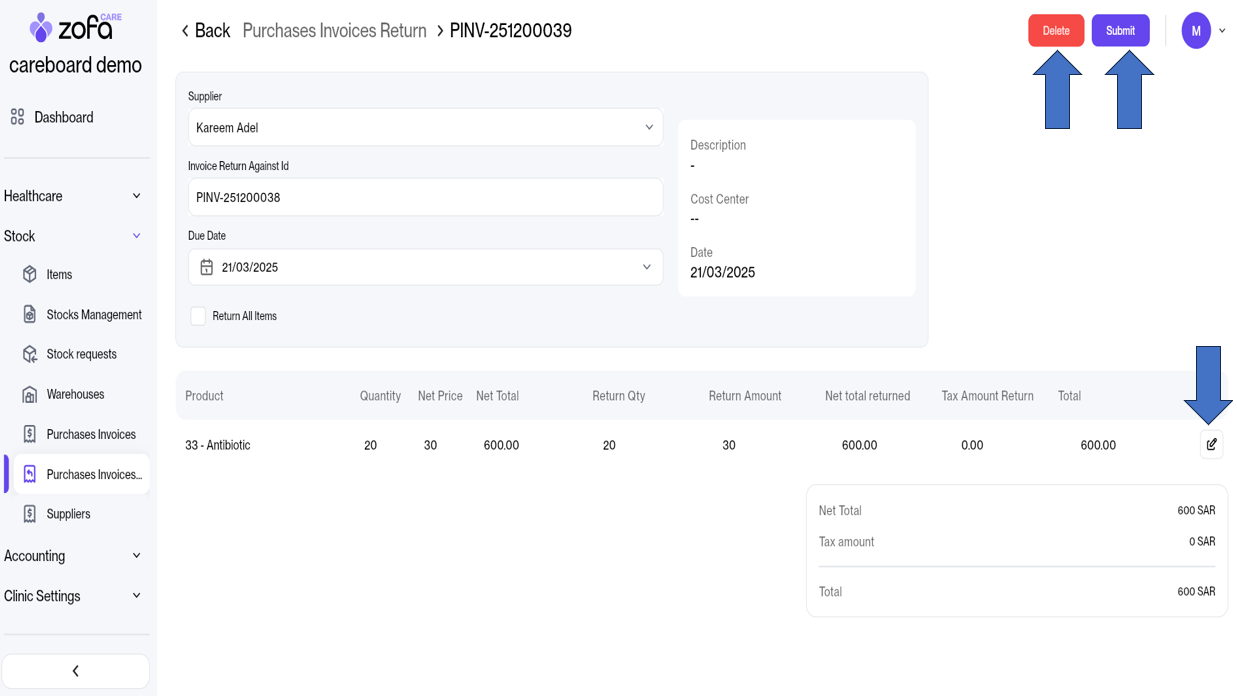
- When opening the purchase return invoice in Draft status, we can:
- Delete the invoice
- Edit the invoice
- Submit the invoice
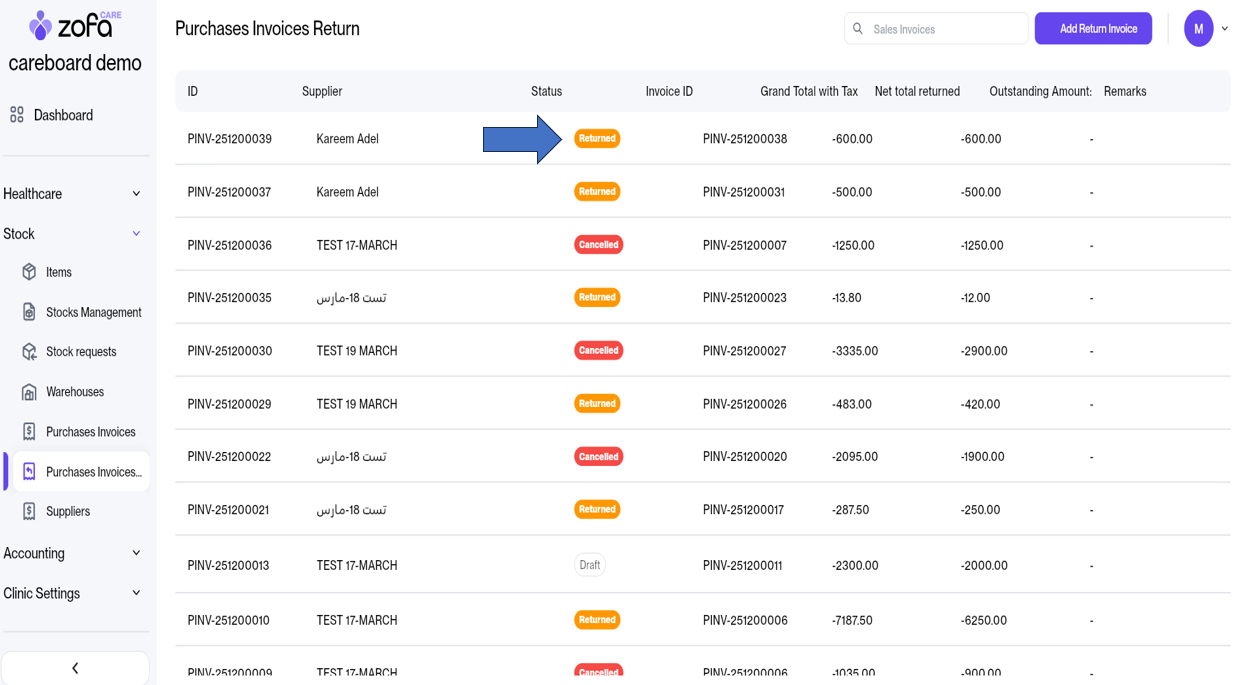
- Now, after sending the invoice, its status has changed to Returned.
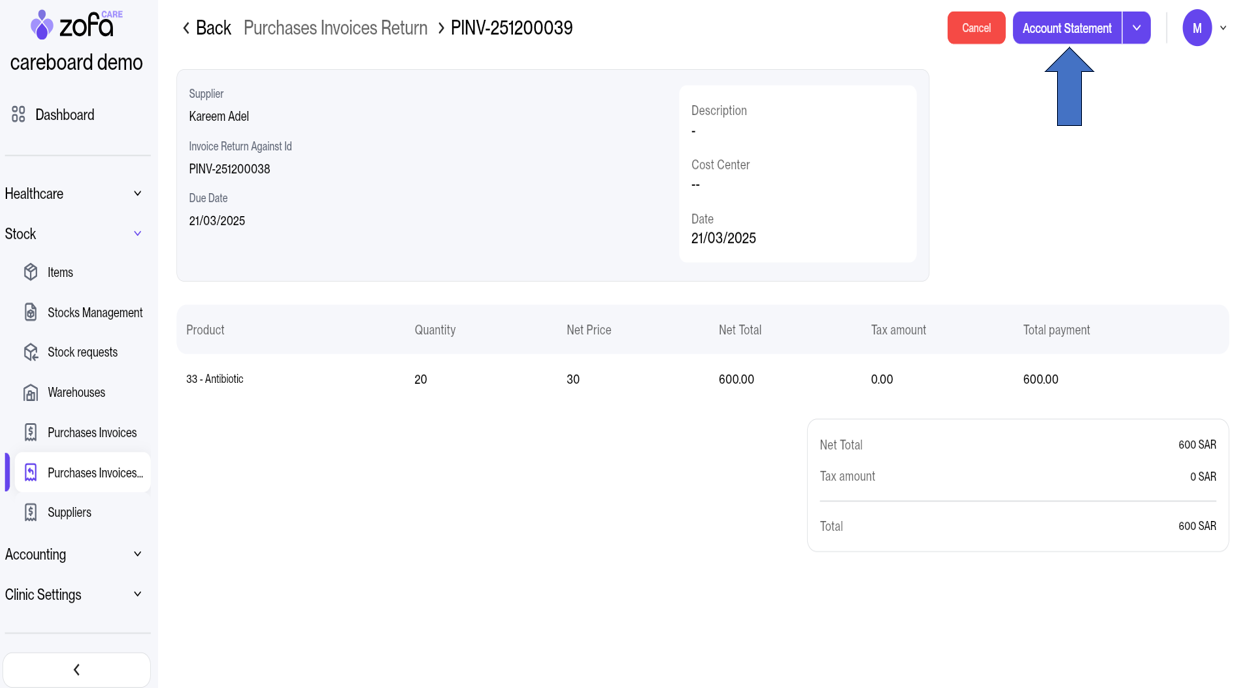
- Finally, if the invoice is opened in the Returned status, we will be able to access the account statement to view the accounting entries related to the returned invoice.